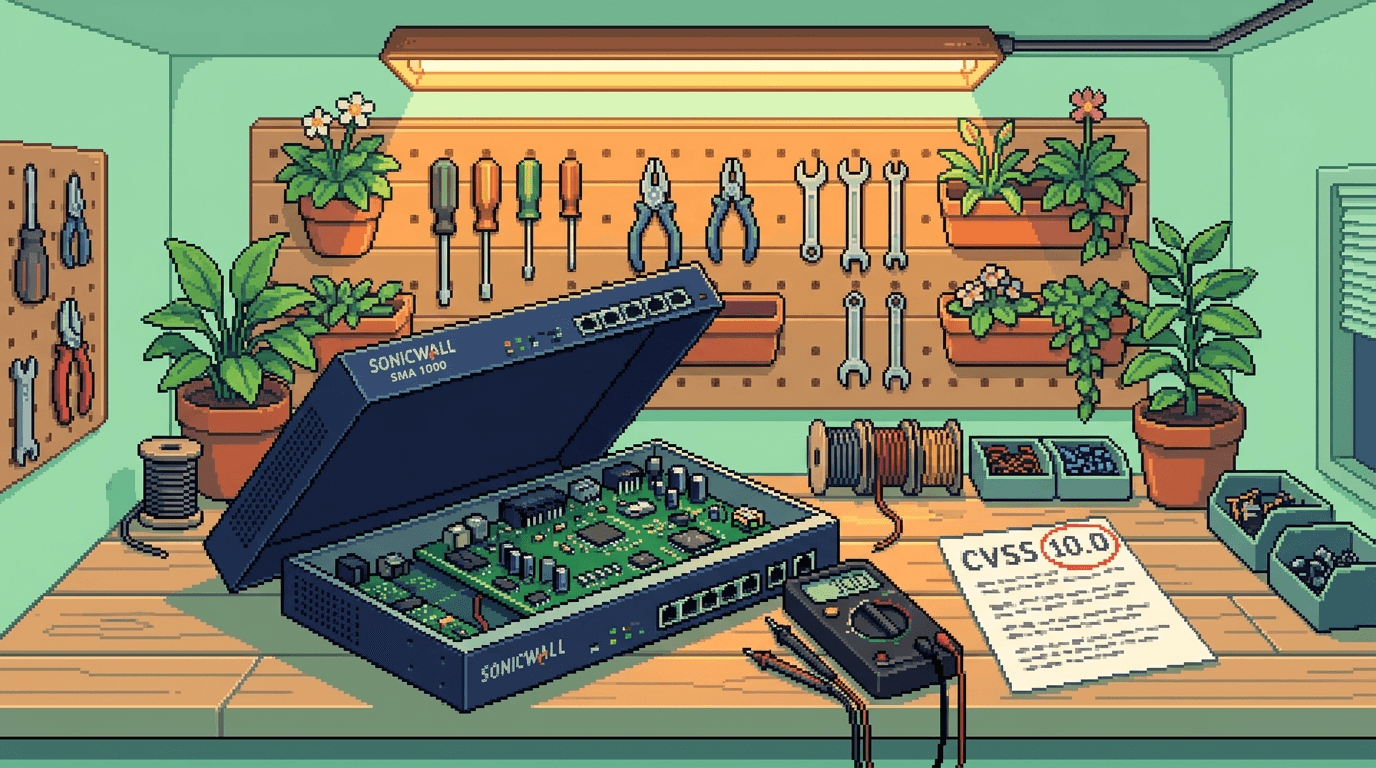
TL;DR - On 2 September 2026, SonicWall disclosed two zero-day vulnerabilities affecting SMA 1000 series VPN appliances. CVE-2026-83548 (CVSS 10.0) is a pre-authentication SSRF in the Appliance Work Place interface. CVE-2026-83549 (CVSS 7.8) is a post-authentication command injection in the Appliance Management Console. SonicWall says the two may be chained for full RCE. Active exploitation is confirmed. Affected models: 6210, 7210, 8200v. If you operate these appliances for branch offices or as an MSSP front-end, you have a 48-hour window before mass exploitation begins. This post is the operational playbook for that window.
The SonicWall SMA 1000 series has been a workhorse for ANZ branch-office VPN and MSSP front-end deployments for over a decade. It is also, by virtue of being a perimeter VPN appliance that terminates SSL/TLS from the public internet, one of the most exposed devices in your fleet. A CVSS 10.0 pre-authentication SSRF on the public-facing interface of a device that terminates VPN for your branch offices is exactly the kind of vulnerability that turns into a mass-exploitation event inside a week.
If you have not yet identified every SMA 1000 appliance on your network and confirmed its firmware version, stop reading this and go do that. Then come back.
By the numbers: the SonicWall SMA 1000 disclosure in context
| Metric | Detail |
|---|---|
| Vendor | SonicWall |
| Product line | Secure Mobile Access (SMA) 1000 series |
| Affected models | 6210, 7210, 8200v |
| Disclosure date | 2 September 2026 |
| CVE-2026-83548 | CVSS 10.0, pre-authentication SSRF in Appliance Work Place interface |
| CVE-2026-83549 | CVSS 7.8, post-authentication OS command injection in Appliance Management Console |
| Discovery | William Perry and Adam Babis (SonicWall internal) |
| Exploitation status | Active exploitation confirmed by SonicWall |
| Attack chain | Possibly chained (SSRF + command injection) for full RCE |
| Affected firmware | 12.4.3-03453 and earlier (12.4 branch), 12.5.0-02835 and earlier (12.5 branch) |
| Fixed firmware | 12.4.3-03526 (12.4 branch), 12.5.0-02979 (12.5 branch, exact version per vendor advisory) |
What the vulnerabilities actually do
CVE-2026-83548 is a pre-authentication Server-Side Request Forgery in the Appliance Work Place interface. SSRF means the attacker can make the appliance send HTTP requests to internal endpoints that the attacker should not be able to reach directly - including the appliance's own internal management interfaces on the loopback address. The pre-authentication part is the critical bit: the attacker does not need credentials, just network reachability to the appliance's public-facing interface.
CVE-2026-83549 is a post-authentication OS command injection in the Appliance Management Console. Command injection means the attacker can execute arbitrary operating system commands on the appliance, which on a hardened VPN appliance typically means root-level access to the underlying SonicOS or appliance operating system.
The two together are concerning because CVE-2026-83548 (pre-auth SSRF) can be used to reach the Appliance Management Console from inside the appliance's loopback, where authentication may be bypassed or trivially obtained in some appliance configurations. SonicWall's disclosure says they "investigated a case indicating the active exploitation of the vulnerabilities" and the vendor explicitly notes the bugs may form an attack chain. Treat that as a confirmed RCE path, not a hypothetical one.
The 48-hour patch playbook
If you operate SonicWall SMA 1000 appliances, here is the operational sequence for the next 48 hours.
Hour 0-4: Identify and inventory
- Query your asset management system (or your CMDB, or your Ansible inventory, or your spreadsheet) for every SonicWall SMA 1000 series appliance.
- If you do not have an asset register, run the following on every firewall / network device you operate that you suspect may terminate VPN traffic: log into the management interface and check the model number in the System > About page. The SMA 1000 series is distinguishable from the smaller SMA 400/500 series by the model number prefix.
- For each appliance, record: hostname, physical location, public IP address, current firmware version, last patch date, and the responsible IT contact.
Hour 4-12: Confirm firmware version
For each appliance identified above, check the firmware version against the affected list:
- 12.4.3-03453 (platform-hotfix) and older - AFFECTED, must patch to 12.4.3-03526
- 12.5.0-02835 (platform-hotfix) and older - AFFECTED, must patch to 12.5.0-02979 or later
If your appliance is on a 12.4 branch, your fix path is 12.4.3-03526. If on a 12.5 branch, the fix is the latest 12.5 release per the vendor advisory. The vendor advisory lists the exact fixed versions; bookmark it.
Hour 12-36: Patch in window
- Apply the firmware patch to each appliance during a planned maintenance window. For branch-office appliances without local IT staff, this often means scheduling after-hours or coordinating with a remote-hands provider.
- For appliances that cannot be patched in window (old hardware, unsupported configurations, branch offices with no maintenance window available), apply compensating controls:
- Restrict the public-facing management interface to a known IP allow-list (VPN administrator IPs only).
- Disable the Appliance Work Place interface if it is not in active use.
- Place the appliance behind an additional WAF or reverse proxy if operationally feasible.
- Document every appliance that cannot be patched in window, with the reason and the compensating control applied. This is your audit trail if an incident occurs.
Hour 36-48: Audit for indicators of compromise
After patching, audit each appliance for signs of exploitation:
- Review the appliance's logs for unexpected requests to the Appliance Work Place interface from external IPs in the 48 hours before patching.
- Review the appliance's command history (if available) for unexpected OS commands executed via the AMC.
- Check for any new local user accounts on the appliance.
- Check for any unexpected configuration changes - particularly changes to VPN user accounts, tunnel configurations, or certificate imports.
- If you have network capture (PCAP) retention, search for traffic from the appliance's public IP to internal management interfaces on the loopback.
If you find indicators of compromise, treat the appliance as compromised: rotate all credentials stored on or accessible to the appliance (including VPN certificates and pre-shared keys), revoke any session tokens issued by the appliance, and consider the appliance's network position compromised for routing-decision purposes.
What this looks like for an ANZ MSP with distributed branch offices
For ANZ MSPs running SonicWall SMA 1000 appliances across distributed branch offices (retail, hospitality, professional services, regional government), the operational challenge is that branch offices often have no local IT staff and the appliance management is done remotely. The 48-hour window is tight.
Practical adaptations:
- Patch the appliances you can reach first. If you have 20 appliances and only 12 are reachable in the first 24 hours, patch those 12 first. Do not wait to do all 20 in one batch.
- Use the appliance's scheduled-update feature if available. Some SonicWall firmware versions support a scheduled auto-update window. Configure it for the next off-hours window and document the scheduled time.
- Coordinate with site contacts. For branch offices with a site contact (store manager, regional supervisor), send a brief email explaining that a critical security update will be applied overnight and that VPN may briefly disconnect. The site contact does not need to do anything, but they need to know.
- Document the audit trail. For every appliance, record: when the firmware was patched, who applied the patch, what version it was before and after, and whether the audit post-patch found any indicators of compromise. This is your evidence for compliance and for any subsequent incident investigation.
Why the ANZ branch-office shape is uniquely exposed
SonicWall SMA 1000 appliances are disproportionately common in ANZ branch-office deployments for three reasons:
- They terminate SSL VPN from the public internet. Unlike Cisco ASA or Fortinet, the SMA line was designed for high-volume SSL VPN with built-in client software distribution. Branch offices that need to support travelling staff or contractors use the SMA line for this reason.
- They have a long support lifecycle. Many ANZ branch offices have SMA 1000 appliances that have been in service for 8-12 years. Older appliances are more likely to be on affected firmware.
- They are often managed reactively, not proactively. Branch-office appliances in retail and hospitality chains are frequently patched on a quarterly cycle, not a continuous-deployment cycle. The 48-hour patch window does not match that cadence.
The combination means there is a population of ANZ SMA 1000 appliances that will not be patched in the 48-hour window. For those appliances, the compensating controls listed above are not optional - they are the difference between a clean post-patch environment and a compromised one.
What this is not
This is not a SonicWall-specific incident. CVE-class CVSS 10.0 SSRF + command injection chains are a pattern, not a vendor quirk. The same shape has appeared on Fortinet, Cisco, and Palo Alto appliances in the last 18 months. The operational discipline - identify, patch, audit, document - is the same regardless of vendor. Build the playbook now, and you will use it again in three months for the next appliance-class CVE.
What to do this week
- Identify every SonicWall SMA 1000 appliance on your network today. Use your asset register if you have one. If you do not have one, query every firewall and VPN concentrator on your network and check the model.
- Apply the firmware patch within 48 hours for every reachable appliance. Use the vendor advisory's fixed versions. Do not delay.
- Apply compensating controls for any appliance that cannot be patched in window. Restrict the management interface, disable unused features, document the gap.
- Audit every patched appliance for indicators of compromise. Use the checklist above. If you find anything, treat the appliance as compromised.
- Document everything. Firmware before/after, patch time, audit results, compensating controls applied. This is your audit trail.
Further reading
- The Hacker News: Attackers Exploit Two SonicWall SMA 1000 Zero-Days That May Form an Attack Chain (2 September 2026)
- SonicWall security advisory (vendor site, search for CVE-2026-83548)
- MITRE CVE entries for CVE-2026-83548 and CVE-2026-83549
- CISA KEV catalog (check for addition in the days following this advisory)
Mathew Clark / Founder, SecureInSeconds / Currently: running the version-check script across a client fleet of 14 SonicWall SMA 1000 appliances, with the CVSS 10.0 number still sitting uncomfortably in the corner of my eye