TL;DR - You cannot stop a company quietly selling or "sharing" your email, but you can find out exactly who did it. The trick is to give every company a different email address, so when spam arrives you can read the leaker's name right off the envelope. What you need to do: use a unique email alias for each signup (one per company), label each alias with the company name, and when junk starts landing on a specific alias you know precisely who leaked you, and you can kill that one address without touching your real inbox.
The order confirmation that turned into spam
A while back I gave a perfectly reputable-looking retailer my email address for an order confirmation. Nothing unusual. Within two weeks I was getting promotional emails from three companies I had never heard of, for products I had never looked at.
I went back and read the retailer's privacy policy, and there it was, buried in the middle: a line about sharing data with "trusted partners". That phrase is doing an enormous amount of work. In plain English it usually means we sell your details, or we let other companies email you, and we have decided in advance that they are trustworthy on your behalf. It is legal, it is common, and you agreed to it the moment you handed over your address.
The frustrating part is not that it happens. It is that normally you cannot prove who did it. The spam shows up and it could be any of the dozens of sites you have ever given your email to. You are left guessing, and you cannot guess, so you do nothing, and the spam just accumulates.
Unless every company has a different address for you.
By The Numbers
| What | Number |
|---|---|
| Email addresses a normal person reuses across sites | 1-2 |
| Companies that therefore share the same address for you | dozens to hundreds |
| Email aliases you should be using instead | one per company |
| Time to generate a new alias at signup | ~30 seconds |
| Companies you can identify as a leaker once you do this | all of them, by name |
| Time to shut off a leaking alias once you spot it | a few seconds |
The method: one alias per company
An email alias is a separate, disposable address that forwards to your real inbox. You give the alias to a company; their mail still reaches you; but you never hand over your actual address.
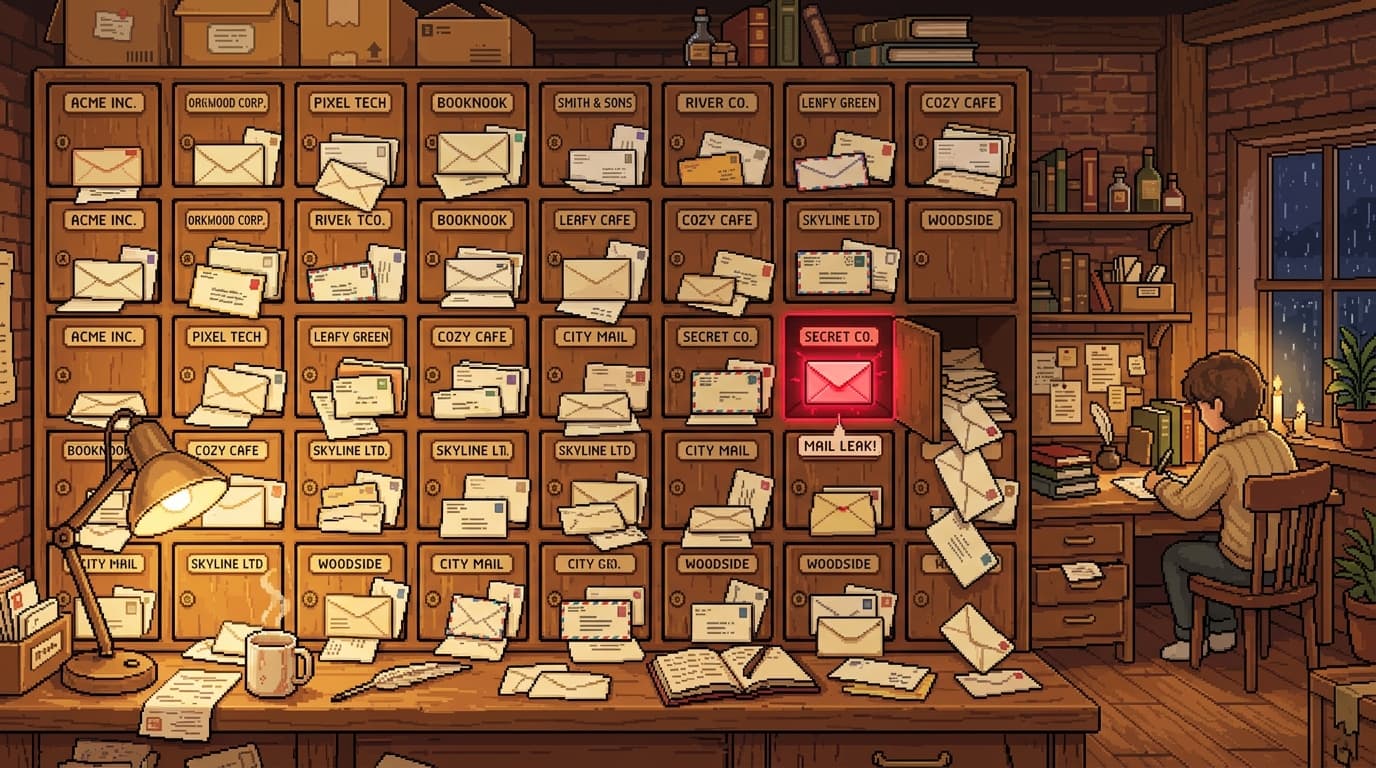
The move that turns aliases into a detection tool is using a different one for every signup and labelling each with the company's name. So the bookshop gets bookshop@youralias..., the gym gets gym@youralias..., the retailer gets retailer@youralias.... Your real inbox never appears anywhere.
Now watch what happens when one of them leaks you. Spam, or mail from a company you never dealt with, lands on the retailer@ alias. There is only one way anyone got that address: the retailer. Not "probably the retailer". The retailer, provably, by name. You are not guessing any more, you are reading the leak off the envelope.
This is the same mechanism that lets you spot a breach early. When a service is hacked, the stolen list goes up for sale, and the buyers start emailing. If that mail arrives on the alias you only ever gave to one company, you know that company was breached often before they have admitted it publicly. It is exactly what played out with the Canvas breach and the spam that followed.
Why this beats just unsubscribing
Unsubscribing assumes the sender plays fair, and a company that bought your address from a "trusted partner" is not the unsubscribing type. Worse, hitting unsubscribe on genuinely shady mail confirms your address is live and read, which can earn you more spam.
With aliases you do not negotiate. The moment an alias goes bad, you switch it off. The forwarding stops, the spam dies at the door, and your real inbox never saw any of it. You also do not have to clean up a mess across your whole digital life, because the damage was always contained to one throwaway address.
It also defangs the scammers who rely on knowing real details about you. A lot of convincing scams work because the caller already knows your name and where you shop. When each company only ever had a labelled alias, a leaked list tells the buyer far less, and tells you far more.
How to actually set this up
You do not need to migrate your whole life at once. Start at the next signup.
- Pick an alias tool. There are several. Apple's Hide My Email is built into iCloud+. Firefox Relay has a free tier. SimpleLogin is open source and lets you name and label every alias, which is what makes the detection part work - the company name is baked right into the address.
- Next time a site asks for your email, generate a fresh alias and label it with the company name. Paste that in instead of your real address.
- Let the confirmation land in your real inbox via the forward, so you know it is wired up.
- When dodgy mail arrives, read the alias it came in on. That label is the name of the company that leaked you. Note it, then disable the alias.
- Migrate the high-value accounts over time. Bank, primary shopping, anything tied to money first.
Thirty seconds per signup buys you something you can otherwise never get: the name of the company that sold you, in writing, the moment it happens.
The takeaway
You will never stop companies trading your data. The "trusted partners" clause is not going away. But you can stop being the one who cannot tell who did it. Give every company a different, labelled front door, and the next time the spam starts you will not be guessing. You will be reading the leaker's name off the envelope, and closing the door in their face.
Forward this to the person who complains about spam but uses the same email everywhere.
Stay safe out there,
Mathew Clark Founder, SecureInSeconds Currently: running about 200 aliases and judging every "trusted partners" clause I read
FAQ
How can I find out which company sold or leaked my email? Give each company a unique, labelled email alias instead of your real address. When spam or unexpected mail arrives, the alias it was sent to tells you exactly which company leaked it, because no one else was ever given that address.
What does "trusted partners" mean in a privacy policy? It generally means the company shares or sells your details with other businesses it has decided to trust, and that those businesses may contact you. It is legal and extremely common, and you typically agree to it when you sign up.
Are email aliases free? Several options have free tiers, including Apple Hide My Email (with iCloud+) and Firefox Relay. SimpleLogin lets you name and label each alias, which is what turns the one-alias-per-company workflow into a leak-detection tool.
Will using aliases break my accounts? No. An alias forwards to your real inbox, so confirmations, receipts, and password resets still reach you. If you ever need to stop one, you disable that single alias and the rest are untouched.
Is this the same as just unsubscribing? No, and it is better. Unsubscribing relies on the sender being honest and can confirm to spammers that your address is active. Disabling a bad alias stops the mail at the door without any cooperation from the sender.