TL;DR - A database holding around 24 billion stolen logins turned up online this month. The headlines all said "change your passwords," which is fine but misses the point. A big chunk of that data did not come from companies being hacked. It came from ordinary people's own computers and phones, robbed by malware called an infostealer. So "I only use big trusted sites" does not protect you. What to do, in order: clean the device first, then change passwords starting with your email, then force a sign-out of all sessions (this is the step almost everyone skips), then turn on two-factor and passkeys.
A database holding around 24 billion stolen logins surfaced online this month, stitched together from dozens of sources. The headlines all said the same thing: change your passwords. That is not wrong, but it skips the part that actually matters. A huge slice of that data did not come from big companies being hacked. It came from ordinary people's own computers and phones, quietly robbed by malware they never knew was there. Which means "I only use big, trusted websites" is not the shield you think it is.
What an infostealer actually does
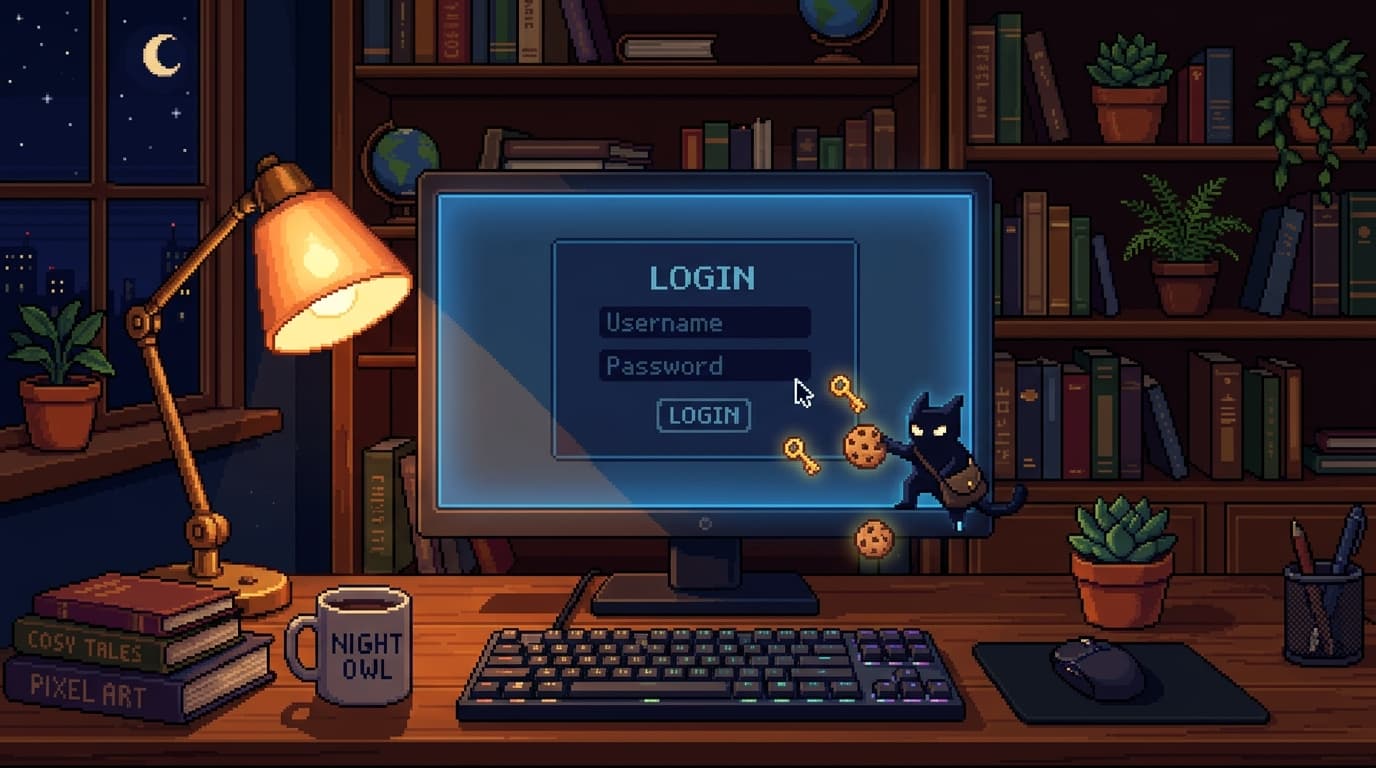
An infostealer is a small piece of malware with one job: rummage through your device and grab anything that logs you in. Saved passwords in your browser, the autofill details you let it remember, and the session cookies that keep you signed in to your email, your bank, and your socials.
It does this in seconds, often deletes itself afterwards so you never notice, and ships the haul off to be sold. Within hours your logins are bundled into a "log" and put up for sale on criminal marketplaces.
Why this gets past the protections you trust
Here is the uncomfortable bit. Those session cookies it steals can let an attacker walk straight into an account without your password, and in many cases without tripping your two-factor prompt, because as far as the website is concerned they are simply you, already logged in.
Security researchers have found that most of these infections happen on devices that already had antivirus installed. Infostealers are built to be quiet and quick, so the usual "I would notice if I had a virus" assumption does not hold.
How it ends up on your device
Usually you install it without realising. A cracked or "free" version of paid software, a dodgy browser extension, a fake update prompt, a game mod, an attachment that was not what it claimed. It almost never looks like an attack. It looks like a convenience.
What to actually do this week
Removing the malware is only half the job, and the half most people skip is the one that actually protects you.
- Clean the device first. Run a reputable security scan, and if you have any real doubt, do a full reset. On Windows you can reset and keep your files. The point is to wipe anything lurking before you change a single password, because changing passwords on an infected machine just hands the new ones straight over.
- Then change passwords, in priority order. Email first, because it is the master key to everything else, then your password manager, then banking and finances, then anything else important. Use a different password for each, which is far easier when a password manager does the remembering.
- Force a sign-out of all sessions. This is the step almost nobody knows about, and it is the one that kills the stolen cookies. Most big services have a "log out of all devices" or "sign out everywhere" button in their security settings. Use it, so the attacker's copy of your session stops working.
- Turn on two-factor everywhere, and prefer passkeys. It is not perfect against cookie theft, but it shuts down the far more common attack of someone just trying your leaked password on other sites. Passkeys are better again, because there is no password to steal in the first place.
The honest takeaway
You cannot control whether a company you use gets breached, but a big chunk of this 24-billion-record pile is not about companies at all. It is about devices. Keep your phone and computer updated, be suspicious of "free" versions of things that normally cost money, and assume that anything saved in your browser could walk out the door if the wrong thing gets installed.
Clean the device, kill the sessions, then change the passwords. In that order.