TL;DR - Passkeys replace the password with something there is nothing to steal. You prove it's you with your fingerprint or face, the server proves it's them, and there is no shared secret to phish, leak, or reuse. After years of writing this newsletter about everything that goes wrong with passwords, this is the first thing that lands that is both safer and easier at the same time. What you need to do: turn on a passkey on one account that matters this week, keep your password as a fallback for now, and trust the feel of it before you commit.
Phishing awareness at home or at work? Most breaches end with a phishing wave, not a card fraud wave. Passkeys are the first control that removes the phishing target entirely.
Get my Personal Security Quick-Start Guide - the practical handbook for the controls that actually change your day. 193 pages, no jargon.
Plus: Join 158+ Australians getting one 5-minute security briefing every Friday.
The 11-year-old password I deleted last month
Last month I did something that felt slightly wrong, in a good way. I opened my password manager, found a login I had been using for eleven years, and deleted the password. On purpose. And I did not replace it with a new one. I replaced it with nothing, because that account does not have a password anymore. It has a passkey.
That account was my bank. It is the account I would least like a stranger to walk into. The fact that I deleted the password from it and felt safer doing so, instead of less, tells you almost everything you need to know about passkeys.
I have spent a lot of these emails warning you about passwords getting leaked, guessed, reused, and phished. So it feels worth telling you about the thing that quietly fixes most of that, now that it is finally good enough to use at the accounts that matter.
What a passkey actually is
A password is a secret you type, which means it can be stolen the moment you type it somewhere you should not, or leaked from a company that stored it badly. A passkey works differently.
Your phone or laptop holds a cryptographic key. When you log in, you prove it is really you with your fingerprint, your face, or the PIN that unlocks your device. The browser and the server exchange a cryptographic challenge. Nothing gets typed. Nothing gets sent that a thief could reuse.
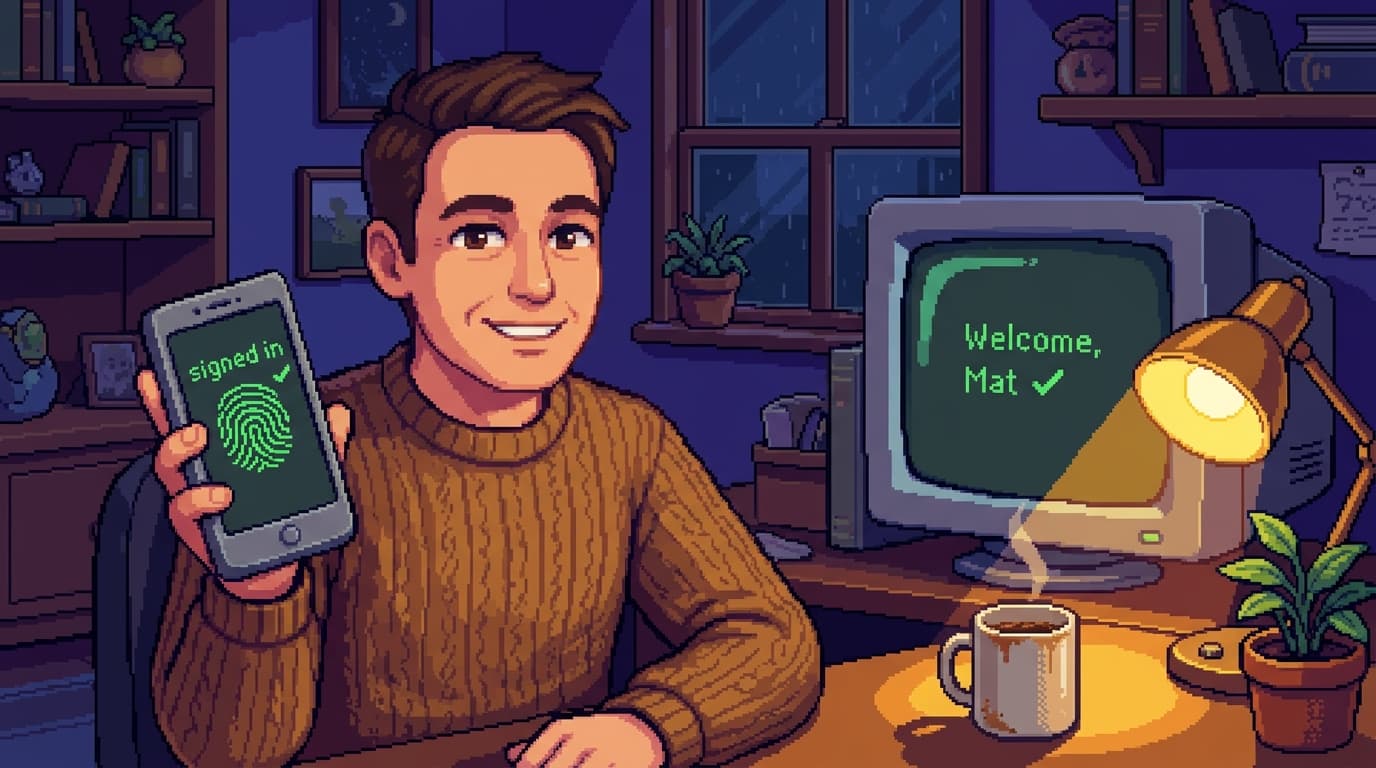
In practice it feels almost too simple. You go to log in, your phone asks for your fingerprint, and you are in. No password to remember. No code to wait for. No little moment of doubt about whether the login page is the real one. The thing that surprises most people is not the security. It is that it is genuinely nicer to use.
The two pieces of jargon that matter:
- WebAuthn is the web standard that lets browsers and servers talk to passkeys. This is what makes it work on every modern browser without you installing anything.
- FIDO2 is the underlying protocol. Think of FIDO2 as the engine, WebAuthn as the dashboard. They came out of the FIDO Alliance, the industry group that has been working on this since 2012. It has been a long road to "good enough to use," which is what makes the current moment worth paying attention to.
You don't need to know either of those terms to use a passkey. They matter because they tell you passkeys are not a product you have to trust. They are a standard that any browser, any phone, and any password manager can implement.
Why this is the rare good news
Think back over the scams in your inbox. Nearly all of them are after one thing: a password, or the code that stands in for one.
The fake login page wants you to type your password. The data breach leaks the password the company was holding. The dodgy text wants the six-digit code so they can get past your password. The Microsoft 365 hijack attack uses a copy-pasted legitimate session cookie to skip past the password entirely. The helpdesk vishing attack socially engineers a reset of the password you forgot.
A passkey takes most of that prize off the table.
- You cannot be tricked into typing it into a fake page, because there is nothing to type. The cryptographic exchange is bound to the real domain. A phishing page on a lookalike domain cannot complete it.
- It cannot leak from a company in a breach, because the company never holds the secret half. They hold a public half that is useless on its own.
- It cannot be reused across sites, because every passkey is unique to the one place it belongs. One passkey per service. No reuse risk.
- It cannot be phished by an adversary-in-the-middle proxy, because the cryptographic handshake checks the origin.
The attacks still arrive. They just have nothing to grab. The phishing site fails. The leaked password list is irrelevant. The cookie-stealing malware gets a session token that is bound to your device, and the conditional access policy refuses to honour it on the attacker's hardware.
None of this is exciting. But it works.
Where the rough edges still sit
I will be honest about what is still rough, because passkeys are not magic.
Not every site offers them. Apple, Google, Microsoft, PayPal, and most major banks do. Smaller services lag. The practical move is to switch on passkeys for the accounts that matter and keep a strong password + MFA fallback for the rest.
Moving between devices can be clunky. Apple, Google, and Microsoft all have ecosystem-locked passkey sync (iCloud Keychain, Google Password Manager, Microsoft Account). Third-party password managers like 1Password and Bitwarden sync across ecosystems. If you live entirely inside one vendor's world, you will not notice. If you bounce between an iPhone at home and a Windows laptop at work, set this up deliberately rather than discovering it on a Friday afternoon.
Recovery is the new weak point. If you lose the device that holds your passkey and you have not set up a recovery path, you can lock yourself out. This is the bit every passkey vendor is racing to fix, and it is worth taking seriously: set up at least two devices enrolled, or one device plus a printed recovery code stored somewhere safe, before you delete the password.
Helpdesk reset attacks still work, partly. If a helpdesk agent can be talked into re-enrolling a passkey on the attacker's device, the attacker is in. Passkeys make this harder. They do not remove the helpdesk from the attack surface. (See: Scattered Spider, every quarter, indefinitely.)
Adoption is uneven. Most consumers do not know passkeys exist. Most SMBs have not turned them on for their staff. Most IT teams are still debating whether to enable them tenant-wide. The technology is ready. The rollout discipline is not.
These are solvable. None of them is a reason to wait.
What to do this week
If you are not technical, three steps:
- Pick one account that matters. Google, Apple, Microsoft, PayPal, or your bank. Start with one you would hate to lose.
- Turn on a passkey in security settings. Look for "passkeys" or "sign in with your device." It will ask for your fingerprint or face once to set it up. Then you are done.
- Keep your password for now. Adding a passkey does not delete your password straight away, and that is fine. Use the passkey, get comfortable, and drop the password later once you trust it.
If you run IT for a business, three more:
- Pilot passkeys for the highest-risk accounts first. Global Admins, finance approvers, executives. These are the accounts an attacker will target hardest and where the phishing-resistant property matters most.
- Require a second enrolled device or a recovery code, not just one. Document this in your helpdesk runbook. The lockout case is the one that erodes trust in the rollout fastest.
- Re-train the helpdesk on what a passkey reset looks like. A passkey reset is not a password reset. The agent should be verifying the requestor through an out-of-band callback, not just an employee ID lookup, because re-enrolment on the attacker's device is the new account-takeover path.
For everyone, the meta-instruction is the same: set up one passkey this week, on whichever account you would least like a stranger to walk into. The thing that surprises most people is not the security. It is that it is genuinely nicer to use.
My Take
The end of passwords is going to be slow, lumpy, and uneven. Most people will not turn on a passkey this year. Most businesses will not enable them tenant-wide this year. The migration will take a decade, and password managers will remain essential infrastructure through the whole of it.
But for the first time in a long time, the security improvement is one that asks less of the user, not more. That almost never happens. The whole history of consumer security has been "add this step, remember this code, install this app." Passkeys are the first thing that arrives and makes things both safer and easier at the same time.
That is the part worth pausing on.
Most security advice is a tax. "Do this extra thing or you will get owned." Passkeys are the first thing in a long time where the right answer is "stop doing the thing you have been doing, because the better version is now actually nicer."
If you have been telling people for years that passwords are a problem and felt a bit guilty that you did not have a fix, this is the fix. It is finally good enough. Set one up this week.
Key Takeaways
- A passkey replaces a password with a cryptographic key held on your device. You unlock it with your fingerprint, face, or device PIN. Nothing typed, nothing sent that can be reused.
- Phishing pages fail, breach leaks are irrelevant, and password reuse is impossible by construction. The three biggest password-era attacks lose their target.
- The rough edges are real but not blocking. Recovery paths, ecosystem lock-in, uneven adoption. Solve them, don't wait for them.
- Set up one passkey this week, on an account that matters. Then watch how you feel about typing passwords for the next month.
Mathew Clark Founder, SecureInSeconds Currently: deleting another password, on purpose, and feeling good about it.
Frequently Asked Questions
Q: What happens if I lose my phone?
A: This is the new weak point. Every passkey ecosystem has a recovery path, but you have to set it up. The most common options: a second device enrolled as a backup, a printed recovery code stored somewhere safe (passport, fire safe), or a password manager like 1Password or Bitwarden that holds your passkeys encrypted in the cloud. Set this up before you delete the password. The "I lost my phone and cannot get back into my bank" horror story is real, and it is always avoidable with one minute of setup.
Q: Can a passkey be phished?
A: No. The cryptographic handshake is bound to the exact domain of the legitimate site. A phishing page on a lookalike domain cannot complete the exchange. This is why passkeys are classified as "phishing-resistant MFA" by NIST and by every major cyber insurer renewing their questionnaires in 2026. The AiTM (adversary-in-the-middle) phishing kits that defeat SMS codes and authenticator apps do not work against passkeys.
Q: What about helpdesk vishing attacks, like Scattered Spider?
A: Partly mitigated. Passkeys tie authentication to a specific device, so a stolen password alone does not get an attacker in. But passkeys still need to be enrolled, and enrolment is a helpdesk process. If the helpdesk can be talked into re-enrolling a passkey on the attacker's device, the attacker is in. Passkeys make the attack harder. They do not remove the helpdesk from the attack surface. Train the helpdesk.
Q: Are passkeys safer than my password + 2FA?
A: Yes, materially. Password + 2FA (SMS or authenticator) is vulnerable to AiTM phishing kits that proxy the login through the attacker's page in real time and capture the code. Passkeys are not, because the cryptographic handshake checks the origin. The NIST guidance, the ACSC Essential Eight, and most cyber insurers all rate passkeys as phishing-resistant in a way that password + 2FA is not.
Q: Do I need a password manager if I use passkeys?
A: For now, yes. Most sites do not support passkeys yet, and your password manager holds the passwords for those, plus the recovery codes for the passkeys you do have. The password manager's role shrinks over time, but it does not disappear for a few years.
Q: Will passwords go away entirely?
A: No, not in the next decade. The migration is uneven, regulatory systems in some industries still mandate passwords, and older sites will hold on. Password managers will remain essential through the whole transition.
Q: What if a company I use gets breached and my passkey leaks?
A: Your passkey cannot leak in a way an attacker can use. The company holds only the public half, which is useless without the private half on your device. Compare to a password, which the company holds in a form that can leak in a usable way (and historically has, repeatedly).
Further Reading
- FIDO Alliance: How passkeys work - the canonical technical explainer from the standards body
- WebAuthn guide - the developer-side spec, useful if you want to understand what your browser is doing
- NIST SP 800-63B: Authentication Guidelines - the US federal standard that rates passkeys as "AAL3" phishing-resistant
- ACSC Essential Eight maturity model - the Australian baseline; passkeys count as phishing-resistant MFA for the highest maturity levels
- Apple: About iCloud Keychain and passkeys - the consumer-friendly setup guide for the Apple ecosystem
- Google: Sign in with a passkey - the equivalent for the Google ecosystem
- 1Password: Passkeys overview - if you want a cross-ecosystem password manager that holds passkeys too
- SecureInSeconds: 24 billion logins leaked - why passkeys matter - the data-breach case for why the password era is ending
- SecureInSeconds: ClickFix and the Microsoft 365 hijack pattern - the AiTM phishing kit that passkeys defeat but SMS codes cannot
- SecureInSeconds: Scattered Spider and the helpdesk vishing problem - the limit case: passkeys make it harder, they do not remove the helpdesk from the attack surface