TL;DR - On 02 July 2026 the FBI seized hundreds of domains tied to NetNut, the Israeli company behind a residential proxy service called Popa. Around 2 million infected devices - mostly smart TVs and streaming boxes - were being rented out as proxy nodes to anyone with a credit card, mostly for criminal traffic. The headline is the FBI action. The Australian angle is that many of those 2 million devices were in homes just like yours, and the compromised home network they sat on is now exposed to the rest of the internet. What you need to do: check whether your smart TV or streaming box is on the published device list, factory-reset it, update the firmware, change the password on any account signed in on it, and check what else is on your home network.
By The Numbers
| Thing | Figure |
|---|---|
| Devices in the Popa botnet | ~2 million (mostly smart TVs and streaming boxes) |
| Domains seized by the FBI on 02 Jul 2026 | Hundreds |
| Distinct criminal clusters observed using NetNut in one week | 316 (Google GTIG, June 2026) |
| NetNut parent company | Alarum Technologies (NASDAQ: ALAR) |
| What the devices were used for | Mass scraping, ad fraud, account takeovers |
| Why the Australian angle matters | Your compromised device exposes the rest of your home network |
The smart TV in your lounge room might be a node in a criminal proxy network
I want to tell you about a story that broke on 02 July 2026, because the headline is going to be about the FBI and a botnet, and the thing that matters for you is going to be one paragraph down.
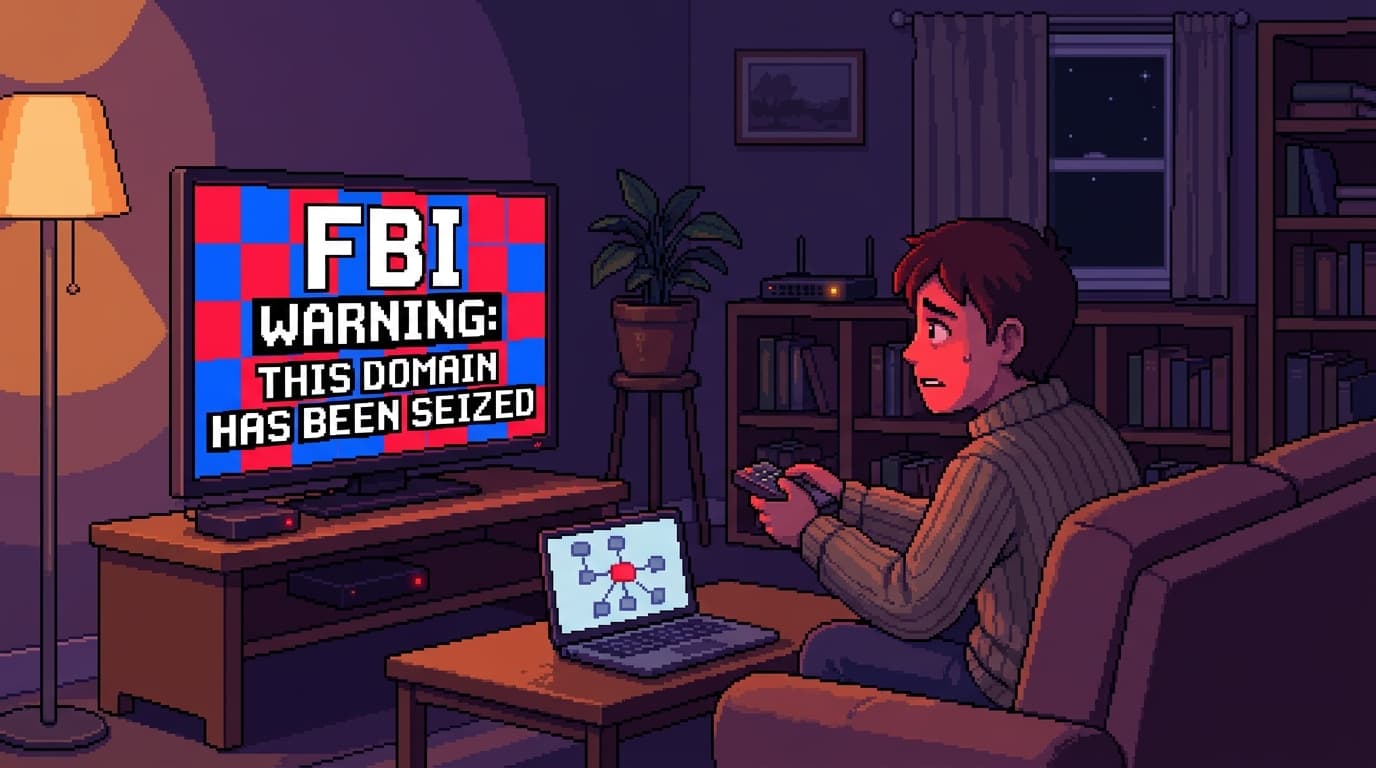
Here is the headline: the FBI, working with the IRS Criminal Investigation division, Google, Lumen, Shadowserver and a handful of other partners, seized hundreds of domains tied to NetNut. NetNut is a residential proxy service run by Alarum Technologies, a publicly-traded Israeli company listed on NASDAQ as ALAR. Residential proxy is the polite term. The honest term is botnet. NetNut's software had been bundled into apps and firmware on consumer devices - mostly Android-based smart TVs and streaming boxes, often cheap off-brand ones - and turned roughly 2 million of those devices into always-on proxy nodes that anyone could rent.
If you paid NetNut for access, your traffic would be relayed through real people's home internet connections. That gave you a residential IP address, which is much harder to blacklist than a data-centre IP. The buyers were overwhelmingly criminals: mass content scraping, advertising fraud, password-spray attacks, account takeovers on consumer platforms. Google Threat Intelligence Group observed 316 distinct criminal clusters using NetNut exit nodes in a single week in June 2026. Not 316 users. 316 distinct groups, each running their own campaigns.
The FBI's seizure notice was up on netnut.com by lunchtime on 02 July. Krebs on Security published the story the same day. BleepingComputer's follow-up added the 2 million device number. This is not a quiet takedown. It is the largest residential proxy botnet action I have seen this year.
The Australian angle is in paragraph four
Here is the part the international coverage mostly skips over, and it is the part that should make you put your coffee down.
Google's writeup pointed out something that has not been widely reported. When a consumer device in your home becomes an exit node, the device's compromised network position means that bad actors using that node can access other private devices on the same home network. Read that again. The smart TV in your lounge room that got quietly turned into a proxy node was not just relaying traffic. It was a doorway from the open internet into your home network, available to anyone renting time on the botnet.
If you have a home office, that doorway reaches your work laptop. If you have a NAS, that doorway reaches your photos and your backups. If you have a printer, that doorway reaches whatever your printer has ever printed or scanned. If you have any IoT device on the same network, that doorway reaches that. The Popa botnet was not just an ad-fraud problem. It was a structural compromise of every network the infected devices sat on.
That is the part that matters to Australians. NetNut was global, but a lot of its "residential" traffic was coming out of homes in countries with high smart-TV penetration and patchy firmware update habits. That describes Australia pretty well. We are not going to know how many Australian homes had infected devices until the device list is published in full, but the percentage is not going to be zero, and it is not going to be small.
How to check whether your device was one of them
The FBI seizure gives investigators access to NetNut's backend, which means a device list is going to surface over the coming weeks. Shadowserver, one of the partners in the takedown, has historically published free scanning data, and I would expect them to publish a list of IPs and device fingerprints that anyone can query. Until then, here is the practical check you can run tonight.
- Look at your smart TV and streaming box apps. Open the app list. Anything you do not recognise, anything with a name that looks like a typo of a real streaming service (CricFy, CyberFlix, Flixoid, dooflix, Rapid Streamz, TvMob, sprozfy are names that have appeared in reporting on related botnets), anything that asks for permissions it does not need - uninstall it. Do not just hide it. Uninstall.
- Check the firmware age. Most smart TVs do not auto-update. Open Settings, find the About or System menu, and check when the firmware last updated. If the answer is "I don't know" or it is more than a year old, force an update. The exact path varies by brand. If your TV is more than 5 years old, the manufacturer may have stopped issuing updates entirely, which is a good reason to retire it.
- Factory-reset anything suspicious. If you find an app you cannot uninstall, or a setting you cannot change, factory-reset the device. Reinstall only the apps you actually use, from the official app store.
- Audit the rest of your network. Once the device is clean, log into your router and look at the connected devices list. Anything you do not recognise, isolate or remove. If your router is more than 4 years old, this is also a good prompt to replace it. Older routers do not get firmware patches either.
- Change the password on any account signed in on the device. If you were signed into Netflix, Disney Plus, a streaming app, your Google account, or anything else on the smart TV, change the password for that account from your phone or laptop. Use a unique password per service. Yes, all of them.
- Run a malware scan on your computers. A compromised smart TV on the same network as your laptop does not automatically mean your laptop is infected, but it is worth running a scan with your antivirus product to be sure.
If none of this is comfortable, that is fair. This is one of those cases where paying someone to do it for you is a reasonable answer. Any local IT provider can run through the steps above in under an hour, and many will do it as a one-off for a small fee.
The pattern that keeps repeating
The NetNut / Popa story is part of a pattern that I have been writing about for a while. Residential proxy networks are the underrated infrastructure layer of modern cybercrime. Every time a major criminal campaign gets taken down, the investigators find that the attackers were routing through one of these networks, usually one of three or four providers that operate in the same grey zone.
The reason these networks keep growing is that the business model works. NetNut paid app developers to bundle its SDK into consumer apps, often in exchange for a few cents per install. The app developer got paid. NetNut got a new batch of nodes. The user got a free streaming app that did not realise it was also running proxy software. Everyone was happy except the people whose home networks were quietly being rented out.
Until the FBI seizes the domains, this whole chain is legal in most jurisdictions. The app developer is being paid for an SDK. NetNut is selling proxy access. The buyer is buying bandwidth. The only person in the chain who is unambiguously being harmed is the device owner, and they do not even know they are part of the transaction.
Why this story will keep coming back
Popa was the biggest residential proxy takedown of 2026 so far. It will not be the last. As long as app developers will bundle a paid SDK, and consumers will install cheap streaming apps on devices that do not auto-update, this category of botnet will keep rebuilding. The economics are too good and the regulatory reach is too thin.
What changes after a takedown is the awareness window. The next 6 to 8 weeks are when everyday readers are most likely to hear about residential proxies, most likely to check their own devices, and most likely to push back on a smart TV doing something they did not ask it to do. That window is the reason I am writing this now, before the story cycles off the news.
Use it. Check your devices. Reset anything suspicious. Change the passwords. And if you are about to buy a smart TV or a streaming box as a Christmas gift for a parent or a kid, factor in the cost of replacing it in 3 years when the manufacturer stops issuing firmware updates. That is the real price of cheap consumer electronics in 2026, and it is the price you are paying whether you know it or not.
Key Takeaways
- The FBI seized NetNut on 02 July 2026 and took down ~2 million infected devices. Most were smart TVs and streaming boxes running SDK-bundled apps.
- The Australian angle is the network exposure. A compromised smart TV in your lounge room was a doorway from the open internet into your home network, available to any renter on the botnet.
- Audit your smart TV and streaming box apps tonight. Remove anything you do not recognise, force a firmware update, and factory-reset anything that will not cooperate.
- Change the passwords on accounts signed in on the device. A compromised device on the same network can leak credentials from any account you were logged into.
- Replace anything that no longer gets firmware updates. Old consumer electronics are the entry point for the next round of this.
FAQ
Q: How do I know if my smart TV was part of the Popa botnet?
You do not know yet. Shadowserver and the other takedown partners are expected to publish a queryable list over the coming weeks. Until then, the practical check is: do you have any apps on your smart TV or streaming box that you do not recognise or that look like typos of real streaming services (CricFy, CyberFlix, Flixoid, dooflix, Rapid Streamz, TvMob, sprozfy)? If yes, uninstall them and force a firmware update. If you cannot uninstall, factory-reset the device.
Q: Is this just a US problem? My smart TV is from a reputable brand.
The botnet was global. Australian homes were part of the 2 million figure. Brand helps - the major Korean and Japanese TV brands are not the main vector - but any smart TV or streaming box running an Android-based firmware is a candidate, especially if it has been loaded with unofficial or sideloaded apps.
Q: Could the attacker see my home network while using my TV as a proxy?
Yes. Google's writeup explicitly calls out that a compromised device on a home network can be used to reach other devices on the same network. That does not mean the attacker did so on your specific network. It means the capability was there. Treat the rest of your network as potentially exposed until you have cleaned the device and rotated any credentials that were on it.
Q: Should I just throw out my smart TV?
Not necessarily. Factory-reset it, update the firmware, and only install apps from the official app store. If the manufacturer has stopped issuing firmware updates (most TVs older than about 5 years fall into this bucket), then yes, replace it. A TV that cannot be patched is a permanent security liability, not a one-off problem.
Q: What about my phone? Could it be in the botnet?
The Popa botnet was primarily targeting smart TVs and streaming boxes, not phones. iPhones in particular are not part of this. Android phones can theoretically be affected if they have sideloaded apps from outside the Play Store, but the main vector here was Android-based TV firmware. Audit your TV first, your phone second.
Q: Will the FBI publish a list of affected devices so I can check mine?
They have not yet, as of 02 July 2026. Shadowserver and the other partners historically publish free scanning data after major takedowns, and I would expect a queryable IP/device list within weeks. In the meantime, the audit steps in this article will catch the vast majority of real-world infections.
My Take
The thing that bothers me about residential proxy botnets is how quiet they are. A compromised smart TV keeps working. The apps keep streaming. The remote control keeps responding. There is no obvious sign that the device is also renting itself out to a stranger for $9 a month. The owner of the device has no idea, the internet service provider has no idea, and the app developer who bundled the SDK is getting paid either way.
That silence is why the takedown matters. It is not that the FBI action will stop residential proxies as a category. It will not. But it forces the next NetNut to rebuild from scratch, and it forces the next 6 months of buyers to either find a new provider or pause their campaigns. That is a few months of breathing room for the rest of us. Use it.
The deeper fix is to stop buying cheap, unpatchable consumer electronics. A $199 streaming box that does not get firmware updates after year two is a worse deal than a $399 one that does. The price difference pays for itself the first time you do not have to factory-reset it on a Sunday afternoon because something on the news made you worry about your home network. As an industry, we have got to stop rewarding manufacturers that treat security as a one-time cost instead of an ongoing commitment.
For now: audit the TVs. Update the firmware. Change the passwords. And if your TV is older than the kid in year 10, this is a good prompt to retire it.
Mathew Clark Founder, SecureInSeconds Currently: staring at the smart TV.
Further Reading
- FBI Seizes NetNut Proxy Platform, Popa Botnet (Krebs on Security, 02 July 2026) - the original takedown story with the most detail.
- NetNut proxy network disrupted, 2 million infected devices cut off (BleepingComputer, 02 July 2026) - the 2 million device figure and the partner list.
- Google Threat Intelligence Group: continued disruption of residential proxy networks - the GTIG analysis with the 316 criminal clusters stat.
- Popa botnet linked to publicly traded Israeli firm (Krebs, 19 June 2026) - the original reporting that triggered the FBI action.
- ACSC guidance on compromised IoT devices - the Australian Cyber Security Centre's IoT playbook.
- 16 billion leaked credentials: are yours among them? - related: what happens when your accounts end up on the lists these botnets feed.
- Why the password manager is the one tool you should not skip - the credential rotation step is much faster with a password manager.
- Zero trust for normal people - the same "what can this thing actually reach" thinking, applied to the home network.