TL;DR: If an old employer or charity still has your identity documents, you can ask what it holds and why it still needs them. Lifeline's July breach, reported by Information Age, is the peg, but the answer is not to assume passport scans or TFN declarations were exposed. APP 11.2 can require an organisation to destroy or de-identify information it no longer needs, with important exceptions. Start with an APP 12 access request, then make a targeted deletion request. What you need to do:
No by-the-numbers table: verified claims are insufficient.
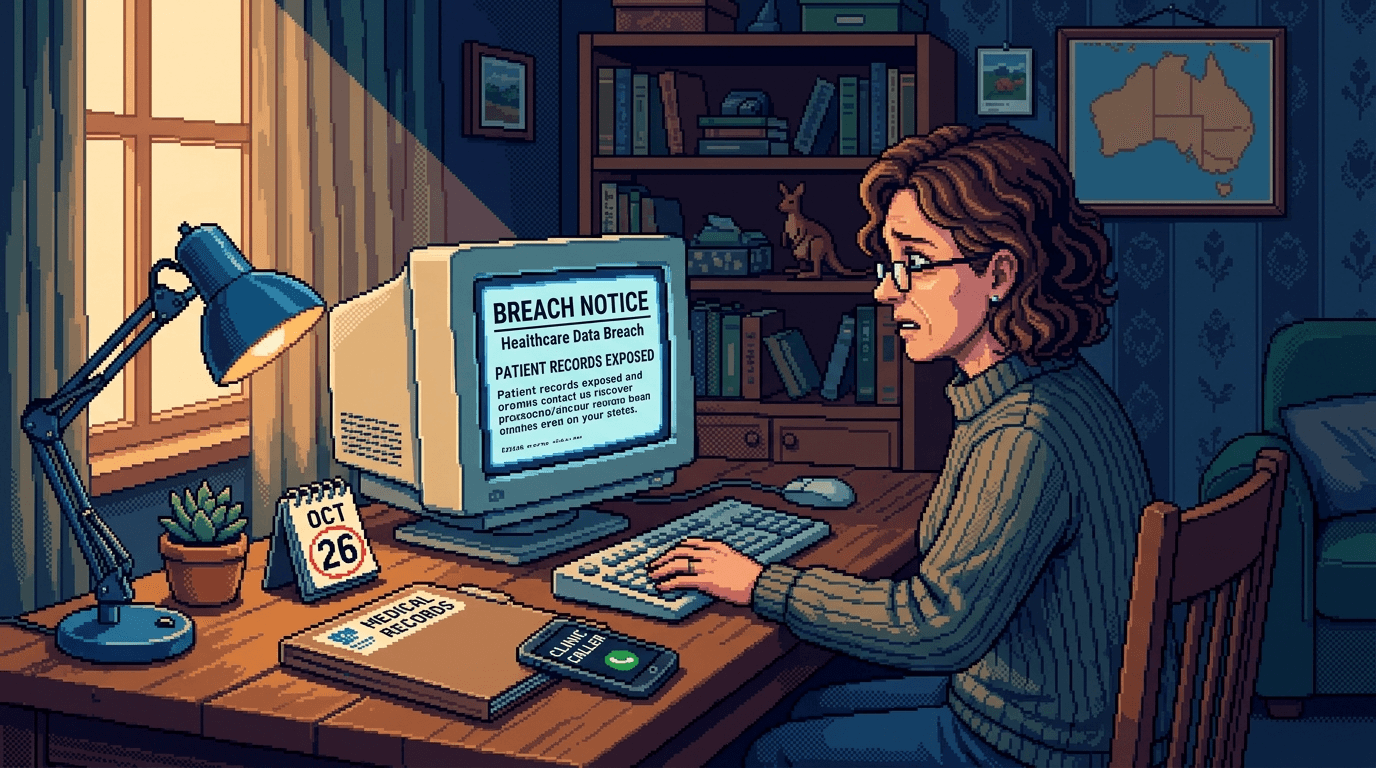
Last week I read the Information Age report about Lifeline's breach with an old volunteer folder open beside me. The folder was six years old. It contained a passport scan, a TFN declaration and an emergency contact form. I had never asked whether a former employer still has my personal data after I left.
If you are searching for "former employer still has my personal data Australia", the unsettling part is not only that an old organisation has a copy. You may not know whether it sits in a live HR system, a locked archive, a contractor's platform or a forgotten backup.
A breach notice should not be the first time you discover that an organisation still holds the most useful pieces of your identity. An email address can be changed. A passport cannot be made new just because a scan of it is sitting in an old folder.
A Breach Notice Should Not Be the First Hint
Per the ACS Information Age report, Lifeline confirmed that it had suffered a data breach after a threat actor posted alleged staff information online. The report says Lifeline's initial assessment found that some staff and volunteer information had been accessed by an unauthorised party. It also says the organisation had no indication that help seeker data, personal contact information or financial details had been accessed.
It says names, dates of birth, workplace email addresses, phone numbers and WhatsApp contact numbers were among details the threat actor claimed were compromised. That is context, not a reason to invent passport scans or TFN declarations into the Lifeline story. The article notes some material appeared falsified and the investigation was ongoing.
The point for a former worker or volunteer is wider: an organisation cannot lose a record it stopped holding. Ask why the record was still there and whether it still had a proper purpose. If a breach notice affects you, start with the 24 hour data breach response guide.
What APP 11.2 Says About Personal Data Your Former Employer Still Has
The Australian Privacy Principles do not give everyone a magic delete button. Under OAIC guidance on APP 11.2, an APP entity must take reasonable steps to destroy or de-identify personal information when it no longer needs it for any purpose allowed under the APPs.
There are important exceptions. An organisation may need to retain payroll, tax, superannuation, leave or dispute records because another law requires it, or because the information still has a legitimate purpose. A court or tribunal order can also require retention. Ask for the reason and expected review date instead of assuming every old form must disappear immediately.
There is another Australian privacy wrinkle for former employees. The private sector employee records exemption explained by the OAIC can apply when an employer's handling of an employee record is directly related to a current or former employment relationship. The APPs may not be a simple route to every old HR document.
The exemption does not cover volunteers in the same way, or every piece of information an employer happens to hold. A volunteer form, a contractor's record, or information used outside the employment relationship may need a different analysis. Ask which records are held, which rule applies, and which records can be removed.
Before you send the email, use the access right as a discovery tool. OAIC's APP 12 guidance explains that an individual can request access to personal information an APP entity holds. APP 12.3 includes grounds for refusal, so a request is not a promise that every document will arrive. For an organisation, the OAIC says a reasonable period should generally not exceed 30 calendar days.
The Three Categories: Keep, Review, and Delete
The easiest way to make the request practical is to sort the answer into three categories.
Keep, with a reason. Payroll, tax, superannuation, leave and dispute records may have a genuine retention basis. Ask which obligation applies, what purpose remains, and when the record will be reviewed again.
Review, then minimise. Emergency contact details may identify a family member who never worked for the organisation. Ask whether the contact is still needed and request removal or correction if it is not. The same applies to old volunteer details, access card photographs, private email addresses, WhatsApp numbers and duplicate onboarding notes.
Delete or de-identify when the purpose has ended. Old passport scans, driver's licence copies, duplicate onboarding documents and TFN declarations beyond the relevant legal retention period are sensible things to ask about. They are not automatic delete orders. Ask the organisation to destroy or de-identify them under APP 11.2 when it no longer has a lawful reason to hold them.
These documents deserve more attention than a generic email address. You can change an email address, but you cannot rotate your date of birth or issue yourself a new history. A passport scan or TFN declaration can give a scammer details that make a later request sound like administration rather than an attack. The guide to why scammers already know your information explains how separate scraps become a convincing profile.
A breach notice should not be the first time I discover an old employer still has copies of my passport.
How to Send a Data Erasure Request That Works
Do not begin with "delete everything". Begin with an access request, then make the deletion request specific. That gives the organisation a question it can answer and gives you a record of what it says it still needs.
You can adapt this:
I am requesting access under APP 12 to the personal information your organisation holds about me, including onboarding documents, identity document copies, tax and payroll records, emergency contact details, volunteer or access records, archived copies and information held by service providers. Please identify the purpose and retention basis for each category. Where information is no longer needed, please take reasonable steps to destroy or de-identify it under APP 11.2. If you refuse access or deletion, please give me the reason and the complaint pathway in writing.
Keep the request narrow enough that someone can search for it. Stick to one former organisation, one request, one answer at a time. Each one becomes its own small record you can refer back to. Make each ask specific, such as "you no longer need this passport copy", rather than a sweeping "delete everything forever". If the answer is vague or non-committal, keep the email and the date as evidence.
Do not attach a passport or driver's licence to an unexpected reply just to prove who you are. Ask what minimum information is needed and use a contact method you found independently. You are trying to reduce identity document copies, not create another one.
What you need to do
- Save the notice and verify the sender. Take 5 minutes. If a Lifeline or former employer message arrives, find the organisation's contact details independently. Do not use a link or phone number in an unexpected message.
- Make a small data inventory. Take 10 minutes. List three to five former employers, charities or volunteer groups. Beside each one, note the documents you probably supplied and whether you ever received a deletion confirmation.
- Send an APP 12 access request. Take 5 minutes. Ask what personal information is held, where it is held, what purpose remains, and which service providers or archives are involved.
- Classify the response. Take 10 minutes. Mark each item keep, review or delete. Separate a legal retention reason from a vague statement that the information is kept "for security".
- Send the targeted APP 11.2 request. Take 5 minutes. Name the passport copy, licence copy, duplicate form, emergency contact or other item that no longer appears necessary. Ask for destruction or de-identification and written confirmation.
- Set a follow-up reminder. Take 2 minutes. Put 7 business days in your calendar. APP 12 requires a reasonable period, and a privacy complaint starts with the organisation. If it refuses or stays silent, read the OAIC privacy complaints process. After 30 days without resolution, the OAIC may be next.
- Protect the rest of your identity. Take 10 minutes. If the response confirms identity or tax information was exposed, sign in to myGov directly, contact IDCARE for a response plan, and use ACSC ReportCyber if a related scam occurs.
What a Breach Notification Hides
A breach notification can answer one question while leaving another untouched. It may say an unauthorised party accessed a system without telling you whether your old passport scan was still there, whether the file was archived, or whether a contractor held another copy.
The Lifeline report shows why careful wording matters. It separates staff and volunteer information from help seeker information, records Lifeline's initial assessment, and notes that the investigation was ongoing. It does not make every identity document a charity has collected a confirmed exposed record.
Ask a former employer: What categories do you hold? Which copies are live, archived or held by a provider? What purpose or legal obligation justifies keeping each category? When will you review it? If a record was deleted, ask whether archived and backup copies were handled under its retention process.
Repeat the inventory for the next organisation. The goal is not to make a former employer forget you worked or volunteered there. It is to stop unnecessary identity copies travelling through old systems because nobody checked the folder.
Send the access request today. Set the 7 business day reminder, then use the APP 11.2 follow-up when the answer shows an identity document no longer has a purpose. One precise email is better than waiting for another breach notice.
Further Reading
- What to Do in the First 24 Hours After an Email Data Breach
- Superannuation Breach: What You Need to Know and Do
- Why Scammers Already Know Your Information
- How to Spot a Scam Text Before You Click
- Lifeline confirms data breach: Information Age
- OAIC guidance on APP 11.2
- OAIC guidance on APP 12 access
- OAIC guidance on the employee records exemption
Mathew Clark / Founder, SecureInSeconds / Currently: wondering how many of my old volunteer forms are still sitting on someone else's server