I got a call from my sister on a rainy Thursday. "Mat, I just got a message saying my Australia Post parcel needs a $3.50 fee," she said.
She was about to tap the button when I asked her to read the full text to me. It said, "Urgent: Your parcel is waiting. Tap here to avoid storage fees." I told her to pause, screenshot it, and then we laughed about how clever the scammers had suddenly become.
What she did next is exactly how to spot a scam text before you click—she questioned it, checked the sender, and double-checked with me. Within minutes we reported it to Scamwatch, and the malicious link never got a chance to steal her details.
Why Scam Texts Work on Families
Australians are busy. We expect parcels from The Iconic, deliveries from Woolworths, and updates from Telstra about our mobile bills. When a message pops up claiming to be from myGov, Australia Post, or even your bank (Commonwealth Bank, Westpac, ANZ), your pulse quickens.
Scammers know this. They use fear tactics: "Your account will be suspended," "Urgent payment required," or "Confirm your identity now." They also use spoofed numbers that look like real ones—sometimes even mimicking 13 or 1300 numbers we recognise.
Add in the fact that many of us interact with banking apps on the same phone, and the risk is real. Someone could trick you into entering your NetBank login or your myGov credentials. All it takes is one tap.
How to Spot a Scam Text Before You Click
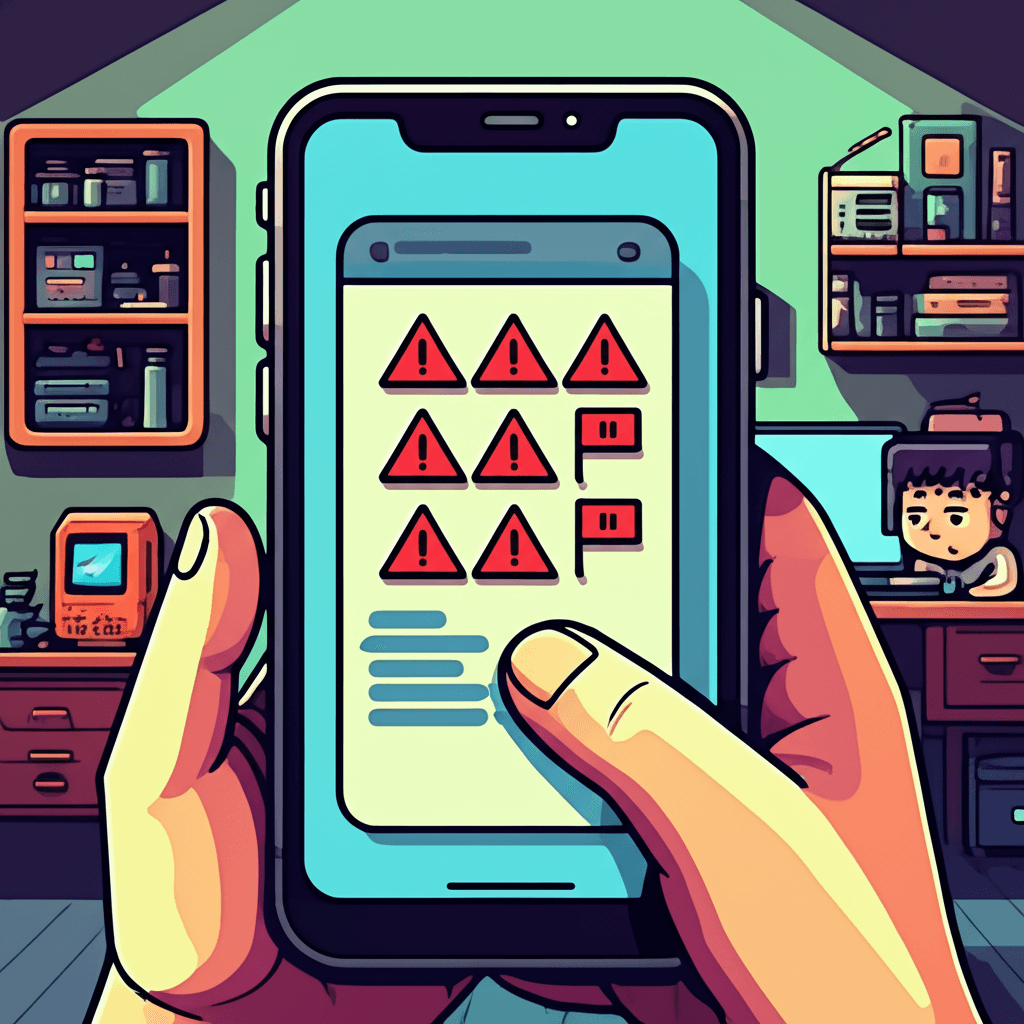
Here’s the checklist I run through every time a message looks even a little suspicious:
-
Check the sender
- Legit government bodies use official domains (
my.gov.au). Your banks from Australia will never send urgent payment requests from a random mobile number. - If the number looks like a short code (e.g., 0423 123 456) or uses weird characters, treat it with suspicion.
- Legit government bodies use official domains (
-
Look for poor spelling or grammar
- Scammers mess up punctuation and use UK/American phrasing. A legitimate message from Telstra or Australia Post won’t say "Click the link to verify your parcel right now, dear customer."
-
Don’t tap links
- Instead of clicking, open your banking app manually or go to the official website. If the text says there’s an issue with your Telstra bill, log into the Telstra app yourself—don’t trust the link.
-
Ask yourself: is it urgent?
- Scammers create panic so you act quickly. Real institutions give you time and won’t threaten to suspend your account in five minutes.
-
Check for impersonation
- Some scammers use logos or familiar wording. If the message looks polished but still feels off, call the organisation using a number from their official site (not the number in the text).
-
Use your security apps
- I keep Malwarebytes and Signal on my phone. Signal’s spam detection flags suspicious messages before they even land. You can also use your phone’s built-in spam filtering (iPhone has "Filter Unknown Senders"—turn it on).
These checks take 30 seconds and keep the whole family safe. My teenager uses the same routine before she taps anything from a random SMS.
What to Do When You Spot a Scam Text
- Screenshot the message so you have proof.
- Report it to Scamwatch (https://www.scamwatch.gov.au). They’re run by the ACCC and take reports seriously.
- Block the number on your phone.
- Forward the text to your carrier: 0423 123 456? Telstra says forward suspicious SMS to 0423 123 456 (yes, it’s the same, but it goes to their security team). Optus and Vodafone have similar reporting numbers.
- Tell the family. I keep a shared note in Notes with a list of current scams, so my parents and my partner can stay in the loop.
Some Real-Life Red Flags
- "Australia Post: Pay $3.50 for delivery" — the link points to
pya-collection.app. That’s not Australia Post. - "ANZ suspicious login" — the text uses a
http://zanzer.comlink. ANZ would send a secure email with your name. - Voice messages pretending to be Telstra — they might send a text and then start calling you. Don’t give away your customer ID or phone password.
One of my mates forwarded me a screenshot of a text that looked like myGov, with a logo, a "Verify Now" button, and the line "Tax refund pending." The kicker? The link went to a .ru site. A simple glance at the URL was enough to avoid it.
Training the Whole Family
- Regular check-ins: Once a week, we gather the family around the kitchen bench and talk about the latest scam. I show the kids fake texts and ask them to spot the red flags. They now challenge each other to find the fake.
- Use your digital watchdog: Encourage your teenagers to use Chrome’s built-in phishing detector on their phones. If the browser says "The site ahead contains malware," listen to it.
- Enable 2FA on everything: Once you know your login info is safe, add the extra layer (SMS or authenticator apps). It’s the best defence if a scammer does get your password.
The Empowerment Shift
Scam texts aren't going away. But you can turn scepticism into a habit. If you treat every unknown message as suspicious until proven otherwise, you’ll never fall for the trap. That approach has saved my family more stress than I can count.
If it feels urgent, loud, or desperate, slow down. The scammers want you to panic. You're better than that.
Future you—calm, in control, and with your myGov login intact—will thank present you for taking a minute to double-check.