It was a typical Tuesday evening. I was sitting on the couch, half-watching the news while my daughter played a "free" dress-up game on her tablet. Suddenly, the news anchor mentioned something about smart speakers listening to conversations, and my security spidey-sense started tingling as I remembered recent tips on how to stop tablet spying.
I picked up my daughter's tablet and started digging through the settings. What I found made my stomach drop.
That innocent-looking princess game had requested—and been granted—access to her microphone, camera, location, contacts, and phone status. A dress-up game. For a seven-year-old. Needed to know our exact GPS coordinates?
I don't think so.
The Awful Truth About Kids' Apps
Here's what most parents don't realise: the "free" games and apps our kids use are often data collection tools disguised as entertainment. They track location, record audio, monitor app usage, and build detailed profiles of our children.
I'm a cybersecurity professional with 15+ years of experience. I should have caught this earlier. But like every parent, I'm busy, tired, and sometimes I just hand over the tablet so I can finish making dinner in peace.
The good news? Once I knew what to look for, fixing it took about 20 minutes. And you can do the same thing right now.
What I Found (And Why It Matters)
Let me break down what that "free" game was actually doing:
Microphone access: The app could record audio at any time. Every conversation in our living room was potentially being captured.
Location tracking: GPS coordinates accurate to within a few metres. Someone could literally map our home, school, and daily routines.
Contact access: Every phone number and email address in my daughter's contact list (which included family members).
Device identifiers: Unique tracking numbers that follow the device across apps and websites.
Usage data: Exactly when and how long my daughter played, what buttons she pressed, what she tapped on.
All of this was being sent to servers I couldn't identify, covered by a privacy policy written in incomprehensible legalese.
How to Audit Your Child's Device (Step by Step)
After my discovery, I went through every device in our house. Here's exactly what to do:
Step 1: Check App Permissions (iPad/iPhone)
-
Open Settings → Privacy & Security
-
Go through each category:
- Microphone: Which apps can listen? Should a game need this? Probably not.
- Camera: Same question. Games don't need cameras unless they're AR games.
- Location: Set everything to "Never" unless there's a genuine need.
- Photos: Limit to "Selected Photos" instead of "All Photos"
- Contacts: Almost no app needs this. Revoke it.
- Bluetooth: Games use this for tracking. Turn it off.
-
For each app, ask: "Does this app NEED this permission to function?"
That dress-up game? I turned off everything. It still works perfectly. Funny, that.
Step 2: Check App Permissions (Android)
- Open Settings → Apps
- Select each app your child uses
- Tap "Permissions"
- Review and revoke unnecessary permissions
Android 12+ has a Privacy Dashboard that shows which apps used which permissions and when. Check it regularly.
Step 3: Review Location Settings
This is the big one. Location data is incredibly sensitive—it reveals where you live, where your kids go to school, your routines, your holidays.
iOS:
- Settings → Privacy & Security → Location Services
- Turn OFF for apps that don't need it
- For apps that do, choose "While Using" never "Always"
- Scroll down and check "System Services"—turn off "Significant Locations"
Android:
- Settings → Location → App permissions
- Set most apps to "Deny"
- For necessary apps, choose "Allow only while using the app"
I found my daughter's tablet had logged "significant locations" including our home address, her school, and my parents' house. All from a dress-up game.
Step 4: Check Advertising Settings
Apps track your child to show them targeted ads. Limit this:
iOS:
- Settings → Privacy & Security → Apple Advertising → Turn OFF "Personalised Ads"
- Settings → Privacy & Security → Tracking → Turn OFF "Allow Apps to Request to Track"
Android:
- Settings → Google → Ads → Turn ON "Opt out of Ads Personalisation"
- Reset your advertising ID while you're there
Step 5: Delete Suspicious Apps
Here's my rule now: if an app requests permissions it doesn't obviously need, it gets deleted. No second chances.
That dress-up game? Gone. Along with three other "educational" apps that wanted camera and microphone access for no apparent reason.
I replaced them with apps from reputable developers that respect privacy. Yes, some cost a few dollars. That's fine. My daughter's privacy is worth more than $4.99.
The Apps That Get It Right
After purging the dodgy apps, I researched replacements. Here are the apps I now recommend to other parents:
Toca Boca games: Paid upfront, no ads, minimal permissions PBS Kids apps: Nonprofit, privacy-respecting, educational Khan Academy Kids: Completely free, no ads, strong privacy practices Minecraft: Microsoft has decent privacy controls, and the game is genuinely creative Procreate (for older kids): Paid app, no data collection, incredibly powerful
The common thread? They're either paid upfront or from nonprofit/educational organisations. "Free" apps are usually the ones selling your data.
Setting Up Family Controls
Beyond individual app permissions, set up proper parental controls:
iOS Screen Time:
- Settings → Screen Time → Content & Privacy Restrictions
- Turn ON "Content & Privacy Restrictions"
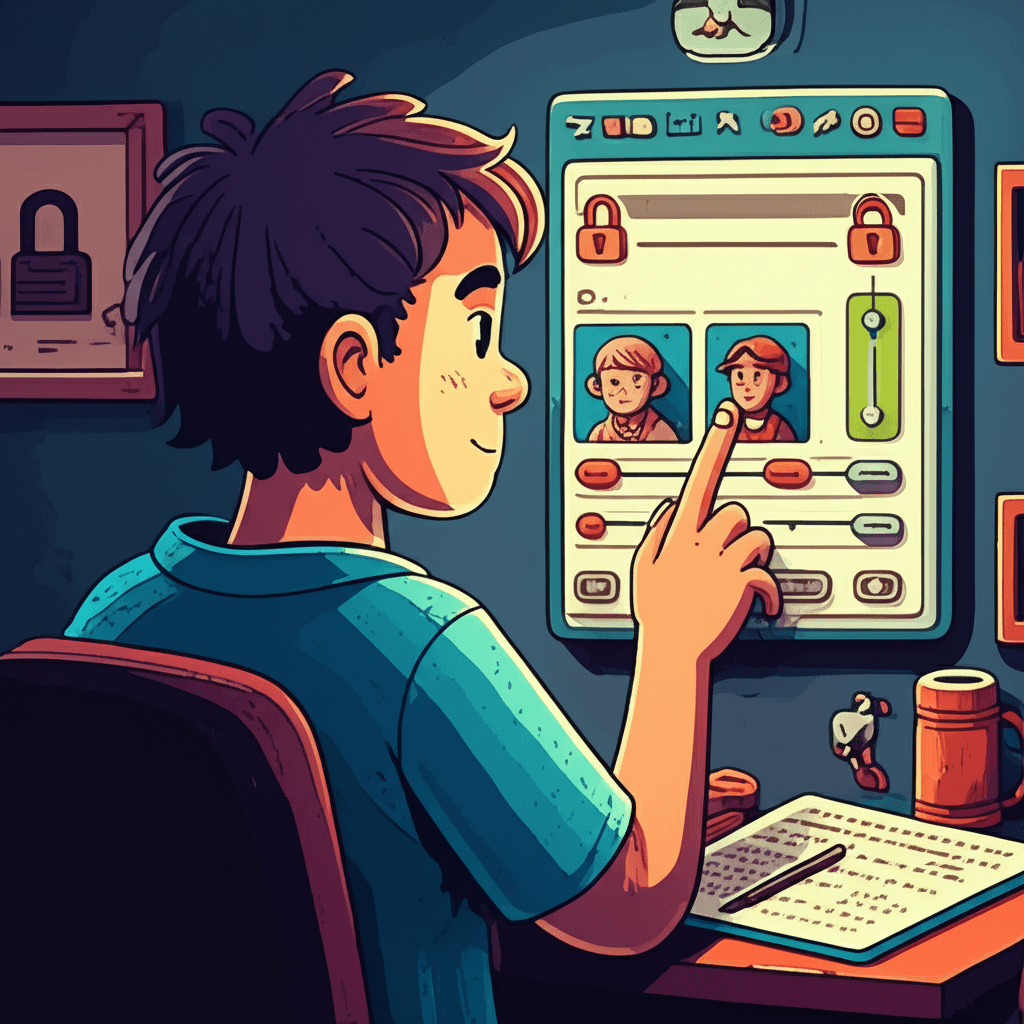
- Under "Privacy," disable location services, contacts, photos, and microphone for specific apps
- Require your Screen Time passcode for app installations
Google Family Link:
- Install Google Family Link on your phone and your child's device
- You can approve or block apps before installation
- Set data and location permissions remotely
- Monitor app usage
The Bigger Picture: Teaching Digital Literacy
Technical fixes are important, but they're not enough. I've started teaching my daughter (now eight) about privacy:
- "Why does this game want to know where we are?" We've talked about how companies make money from knowing about us.
- "What shouldn't we share online?" She knows never to share her school name, address, or photos that show location details.
- "If an app asks for something weird, what do we do?" Ask Mum or Dad before tapping "Allow."
It's not about making her paranoid. It's about giving her the tools to protect herself in a world that constantly tries to extract her data.
What I Learned (And You Should Too)
That Tuesday night discovery changed how I think about my family's digital privacy:
- "Free" isn't free: If you're not paying for the product, your data is the product.
- Check permissions regularly: Apps update and sometimes request new permissions.
- Default deny: When in doubt, say no to permission requests.
- Pay for good apps: A few dollars upfront beats having your child's data sold forever.
- Stay involved: Regular check-ins are part of modern parenting.
My daughter's tablet is now locked down tight. She can still play games, watch videos, and be a kid. But the apps she uses only get the permissions they genuinely need—which, for most games, is basically nothing.
Your Action Plan for This Weekend
Set aside 30 minutes this weekend and do this:
- Pick up your child's primary device
- Go through every app's permissions using the steps above
- Delete anything suspicious or excessive
- Replace deleted apps with privacy-respecting alternatives
- Set up Screen Time or Family Link controls
- Have a conversation with your child about why you made changes
It won't be the most exciting half-hour of your life, but it might be one of the most important things you do for your family's privacy this year.
Future you—knowing your child's location, conversations, and habits aren't being logged by sketchy app developers—will definitely thank present you.