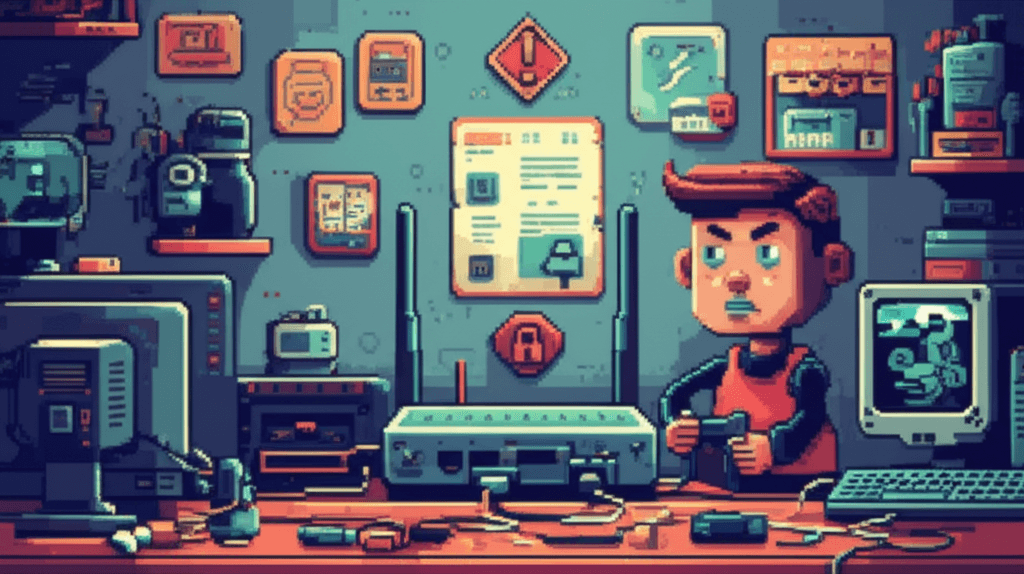
If you're asking how to fix your router security risk in 10 minutes, you're already ahead of most households. I was at my brother's place, standing between a stack of NBN equipment and a bottle of Cascade, when I noticed his Telstra router was still using the default admin password from 2018.
"Mat, it works fine," he said. "Why would I bother changing it?"
Because every default router password is a cracked nut waiting for a hungry hacker. That stack of blinking lights was broadcasting our home network to anyone on the block who knew how to use a simple script. I spent ten minutes that night locking it down, and the peace of mind lasted months.
Why Your Router Security Risk Demands Attention
Routers are the front door to every device connected to your network: phones, tablets, smart TVs, security cameras, and yes, even your kid's gaming console. If someone creeps through the router, they can see everything—even your Commonwealth Bank login after you've typed it in.
It’s not just theoretical. Australia's ACCC regularly warns about home network compromises. Telstra's own security alerts highlight that weak router settings lead to unauthorised access, data theft, and malware that spreads across the entire household like a dodgy surfboard shorting out on a hot day.
Between our smart fridge, Telstra Smart Home sensors, and my wife's laptop, that router was the only thing standing between our private conversations and a random script-kiddie in Perth. Even if you pay for Telstra's modem rental or bought your own from JB Hi-Fi, the default passwords and outdated firmware are a massive problem.
How to Fix the Router Security Risk in 10 Minutes
Here's the plan: unplug the router for 30 seconds (which gives you a solid excuse to turn the kids' noise down), then come back with your phone or laptop and follow these steps. You can do this before the coffee gets cold.
-
Log into your router admin page
- Open a browser and type
192.168.0.1,192.168.1.1, or the URL printed on your router (Telstra boxes often usealex.local). - Use the default username/password from the sticker (usually
admin/admin). If you've changed it and forgotten, reset the router, then set it up again.
- Open a browser and type
-
Set a strong admin password
- Replace
adminwith something likeCairnsR0uter!2026. Use a mix of upper/lower letters and numbers—and write it down in a password manager or a physical notebook you keep locked away (not stuck under the router!).
- Replace
-
Update the firmware
- Look for a "Firmware" or "Software" tab. If it says "Update available," hit it.
- On Telstra routers, this might happen automatically, but I still click "Check" every few months. Keeping firmware up-to-date closes security holes before attackers can exploit them.
-
Rename the Wi-Fi (SSID)
- Change the SSID from "Telstra-XXXX" to something non-identifying like "MathewHouse" or "FutureLegends".
- Avoid names like "TiVoLivingRoom" because hackers can guess what devices you own.
-
Secure your Wi-Fi password
- Use WPA3 if available; if not, WPA2 is fine. Create a password of at least 16 characters—think of it like a sentence:
TripleHibiscus#47Sky. Write it down securely. - Disable WPS. It’s convenient but dangerous. Take the time to type the password manually.
- Use WPA3 if available; if not, WPA2 is fine. Create a password of at least 16 characters—think of it like a sentence:
-
Turn off remote management
- Under "Administration" or "Remote Access," disable remote login unless you specifically need it (for example, a trusted IT person helping you).
- Remote management allows anyone on the internet to try logging into your router. Trust me, you don't need that.
-
Enable guest Wi-Fi for visitors
- Give guests a separate SSID with a different password. Telstra Smart Modems have this built-in, or you can manually create a guest network with limited access.
- That way, your main network stays hidden from their phones and their mates.
-
Enable network encryption and disable UPnP if you don't use it
- Universal Plug and Play is convenient for gaming but can open ports on your router. If you game with PlayStation or Xbox, consider turning UPnP off and manually opening the necessary ports. Otherwise, disable it.
I walked my brother through these steps using his iPad, and he was done before the pasta boiled. Took ten minutes. He hasn't had a security alert since.
Keeping It Locked Down Long-Term
Locking down the router isn't a one-night job. Here’s how to keep it secure without feeling overwhelmed:
- Schedule a quarterly check in your calendar (Sunday arvo with a beer works for me). Log into the admin page, confirm the password hasn't reverted, check for firmware updates, and review connected devices. On a Telstra Smart Modem, the "Device List" shows every gadget on the network—my toddler’s tablet, my wife’s MacBook, and even the neighbour's stray Chromecast I had to boot off once.
- Use a simple monitoring tool like Fing on your phone. It alerts you if a new device joins the network.
- Keep a list of your router details in your password manager (model, admin address, and password). If your housemate needs access, they can look it up without bugging you.
When we moved house recently, setting up the new modem with these steps took just 12 minutes, and the kids barely noticed. They still blamed the Wi-Fi for not working when they were in the shed, but that’s just part of being a parent.
Why This Matters for Families
Families rely on the internet for banking (Commonwealth Bank, Westpac, ANZ), school services (the whole myGov suite), streaming (Netflix, Stan), and uploads of sentimental photos. A compromised router can intercept logins, spy on your home video calls, and even capture the unflattering footage of your toddler doing the wobbly dance in the hallway.
My neighbour's CCTV once started acting weird—muffled audio, random disconnections. Turns out their router had been hijacked by malware, and the footage was being piped to a server overseas. After a quick router reset and the steps above, everything was back to normal. They still thank me when they see me at the local IGA.
The Takeaway
Your router is a powerful little device. Treat it like the gateway it is, not just a black box that came with your NBN plan.
You can fix the router security risk in 10 minutes. I’ve done it in kitchens, at BBQs, and even once while waiting for the kids' swimming lesson to end. The steps are simple, practical, and you can do them tonight.
Future you—probably relaxing with a cold one while your kids stream without interruptions—will thank present you for locking things down.